The Drop · September 14, 2026
Album visualizers: one look across twelve tracks
The single gets a video. The other eleven tracks get whatever you can make yourself. That is the entire reason this format exists.
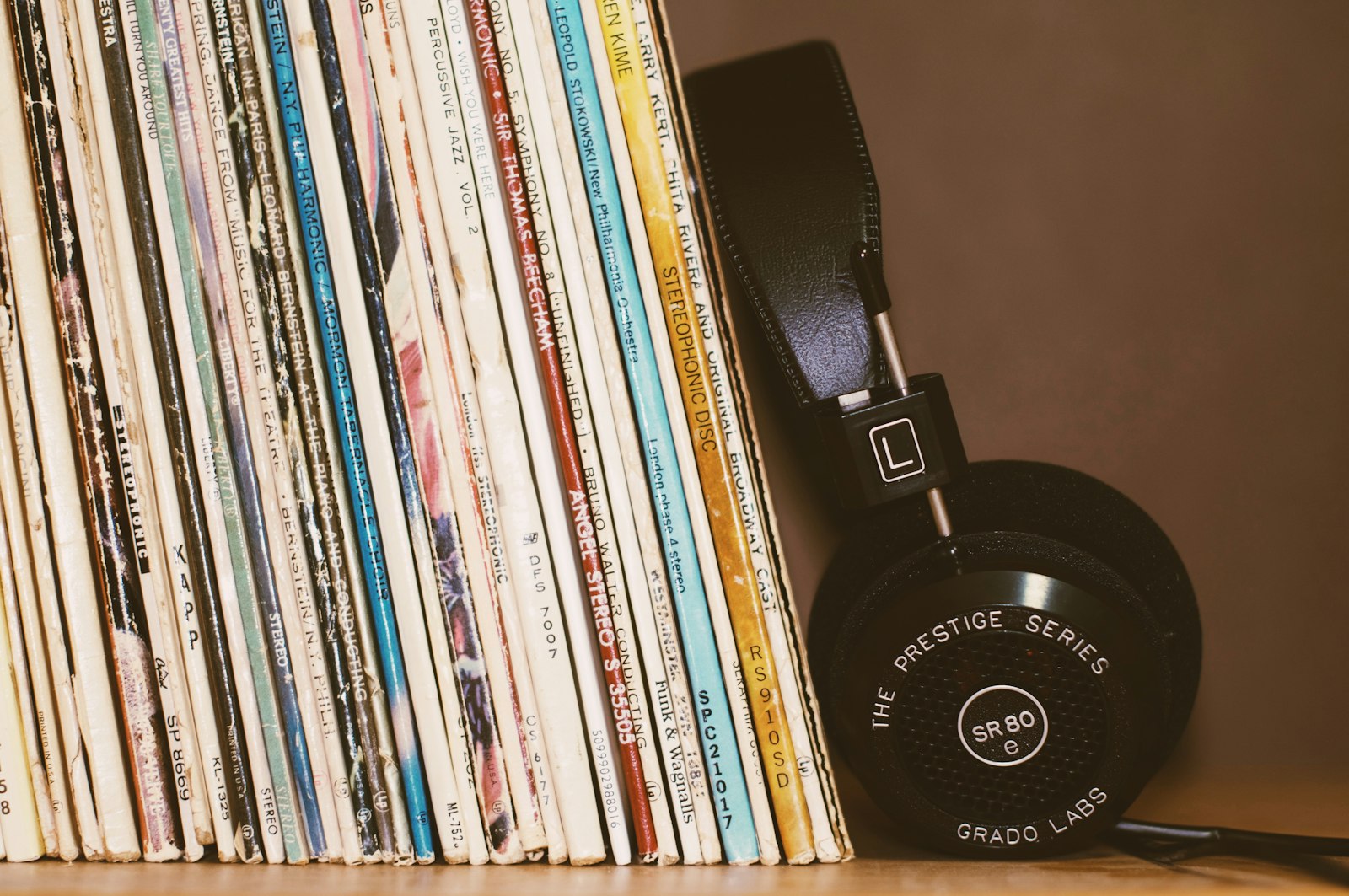
Photo via Unsplash
Your album already has a version of every track
If you released through a distributor, YouTube has probably built something for each song already. Its help pages call these Art Tracks, and the definition is worth reading as written: an Art Track is an automatically generated YouTube version of a track on a music album, consisting of the sound recording and the album art. One per track, built from your distributor's feed, appearing in album playlists and in search results.
So the slot is filled whether you act or not, with your cover held perfectly still for four minutes. An album visualizer is what you upload when you would rather it moved with the music. Twelve small videos that make the release feel finished.
Lock the look, vary one thing
The trap is treating each track as a fresh project. Twelve renders with twelve different palettes and typefaces read as twelve loose uploads. Twelve that share a color set, a font and an effect read as a body of work.
So pick the look once, keep it locked for the release, and change exactly one thing per track. That one thing is what tells them apart. Everything else is the identity.
What a look is actually made of
Three controls carry almost all of it, and two are less random than they look.
- Palette. Six options, and the colors are not picked at random. Each flash takes the next color in the list and wraps around, so Hyper always runs red, cyan, yellow, magenta, white in that order, so one palette across the album is one color rhythm across the album. Mono is white only, Black and white turns the frame grayscale.
- Effect. The default is Random mix, which picks from all six effects on every flash. Fun for one clip, the enemy of a consistent release. Choose one named effect, Strobe or Glitch slices or Zoom punch, and the whole album moves the same way.
- Overlays. Film grain, scanlines or the VHS setting lay a constant texture over everything, the cheapest way to make unrelated footage look like it came from one place. Pick one and leave it.
Flicker speed, flicker opacity and flash duration belong in the locked set too, and the customizing guide walks each one.
The fonts are what will break it
This one stays invisible until you line the finished files up next to each other. There are 50 display faces with a checkbox each, and the font changes per word: the app builds a deck of every face you have ticked, shuffles it, and deals one per word. That deck is rebuilt and reshuffled at the start of every render.
With all 50 ticked, track 1 gets a random run of typefaces and track 2 gets a different one. Nothing is broken, but the release has no type identity at all. Tick two or three faces that belong together and the album speaks in one voice with enough variety to not look like a template. Tick one and every word on every track is that face. The fonts guide has pairings that work.
There is no save button, so an album is one session
Nothing is stored. No presets, no settings file, nothing written into the browser. Reload and every control is back to its default, so a release is one session held open rather than twelve visits. Loading the next song disturbs nothing: a new file gets decoded, its tempo detected and the buttons re-enabled, without a single setting moving. The working order:
- Load track 1 and dial the look in with PREVIEW, which records nothing.
- RENDER, download, rename the file straight away.
- Drop track 2 into the same tab, move the one thing you are varying, render again.
- Keep going without reloading, and write the settings down if the session might span two days.
One detail in step 2 is easy to get wrong. The download button keeps pointing at the previous render until the next one finishes, so grab the file before loading the next track, not after.
Recording runs in real time, so a 45 minute album costs 45 minutes with the tab in front of you, and the long render guide has the disk and memory arithmetic. Track by track beats one long pass regardless, because settings apply to a whole render: one pass means no variation and no way to fix track 3 alone.
Twelve files with the same name
Every render downloads as flash-visualizer-1080p.webm. The name never changes, so
twelve of them arrive with numbers bolted on by the browser and by track nine you have no idea
which is which. Rename each as it lands, with the track number, which also keeps the set in
order for the batch conversion at the end.
Which one thing to vary
Ranked by how well it holds the set together:
- One image per track. The strongest option. Everything else identical, one still per song, whether that is a photo, a lyric card or a variation on the cover.
- Content change rate. Slower on the ballads, faster on the singles. It is tied to the detected tempo, so it adapts to each track on its own.
- Intensity. Flash duration and flicker opacity nudged up for the loud tracks and down for the quiet ones.
Think about the first frame too, since on YouTube it doubles as the fallback thumbnail, as the YouTube guide explains. Open every track on the same image and the release looks deliberate on a channel page.
The album cover motion is a different file
Do not send this render to the stores. Animated cover art is its own deliverable, and Apple's album motion guidelines spell out the rules: 8 to 35 seconds, square at 3840 by 3840 or 3 by 4 at 2048 by 2732, delivered without an audio track, and a continuous loop with no noticeable transition from ending to beginning. The same page warns that motion covers which are too frantic or use constant flashing could distract or even cause harm to viewers, and may be rejected. A strobe render is the wrong file for that slot.
Spotify's short vertical loop is a third thing again, handled in the Canvas guide. What comes out of here is one flat 16 by 9 1080p WebM with the audio muxed in, so it is the per track video for YouTube and social, not store artwork.
An album is a lot of flashing
Flash rates above three per second can trigger seizures in people with photosensitive epilepsy, and a release means 45 minutes of exposure rather than a 30 second clip. Warn in the descriptions, and consider taking the deep cuts down to the calm configuration in the lofi guide.
The short version
- YouTube already generates a static Art Track per song. A visualizer is what makes that slot move.
- Lock palette, effect, overlay and flicker for the release. Vary one thing per track, ideally one image.
- Narrow the font pool to two or three faces, or the reshuffled deck gives every track a different typeface.
- Nothing is saved between page loads, so hold one tab open and download before loading the next track.
- Rename every file on the way out. They all arrive with the same name.
- Animated cover art for the stores is a separate file, and flashing is not welcome there.
Start with the single
Free, in the browser, no signup and no watermark. Your audio never leaves your machine and each render comes out as a 1080p WebM. Get one track right, then keep the tab open and work through the rest, or take the tour from the home page.
Open the visualizer